Everything Blackroot detects, every radar control, explained in detail.
Verified against thousands of real game captures.
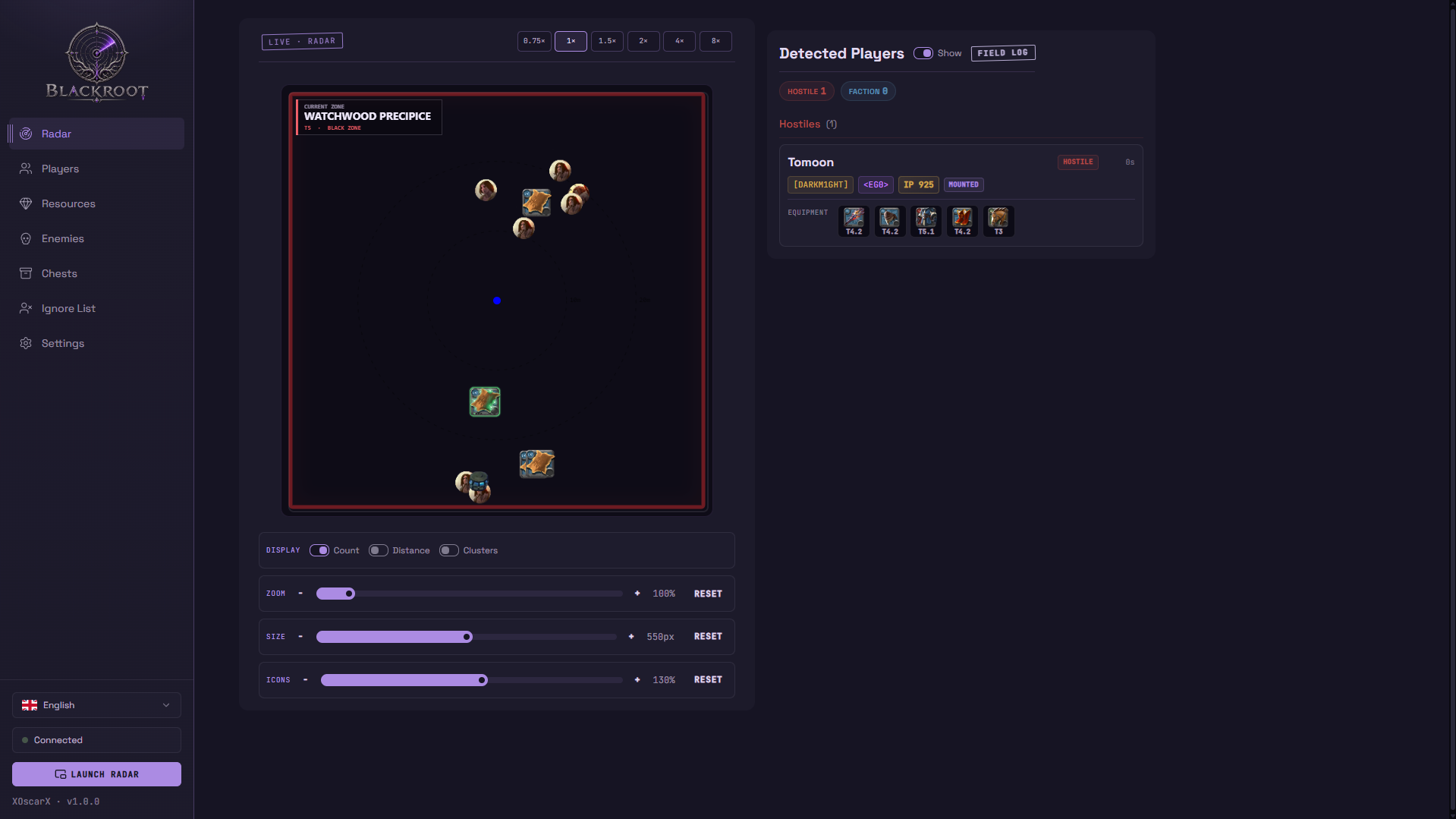
Canvas radar with zoom, size and icon controls. Zone info, distance rings and a mist closure countdown on screen.
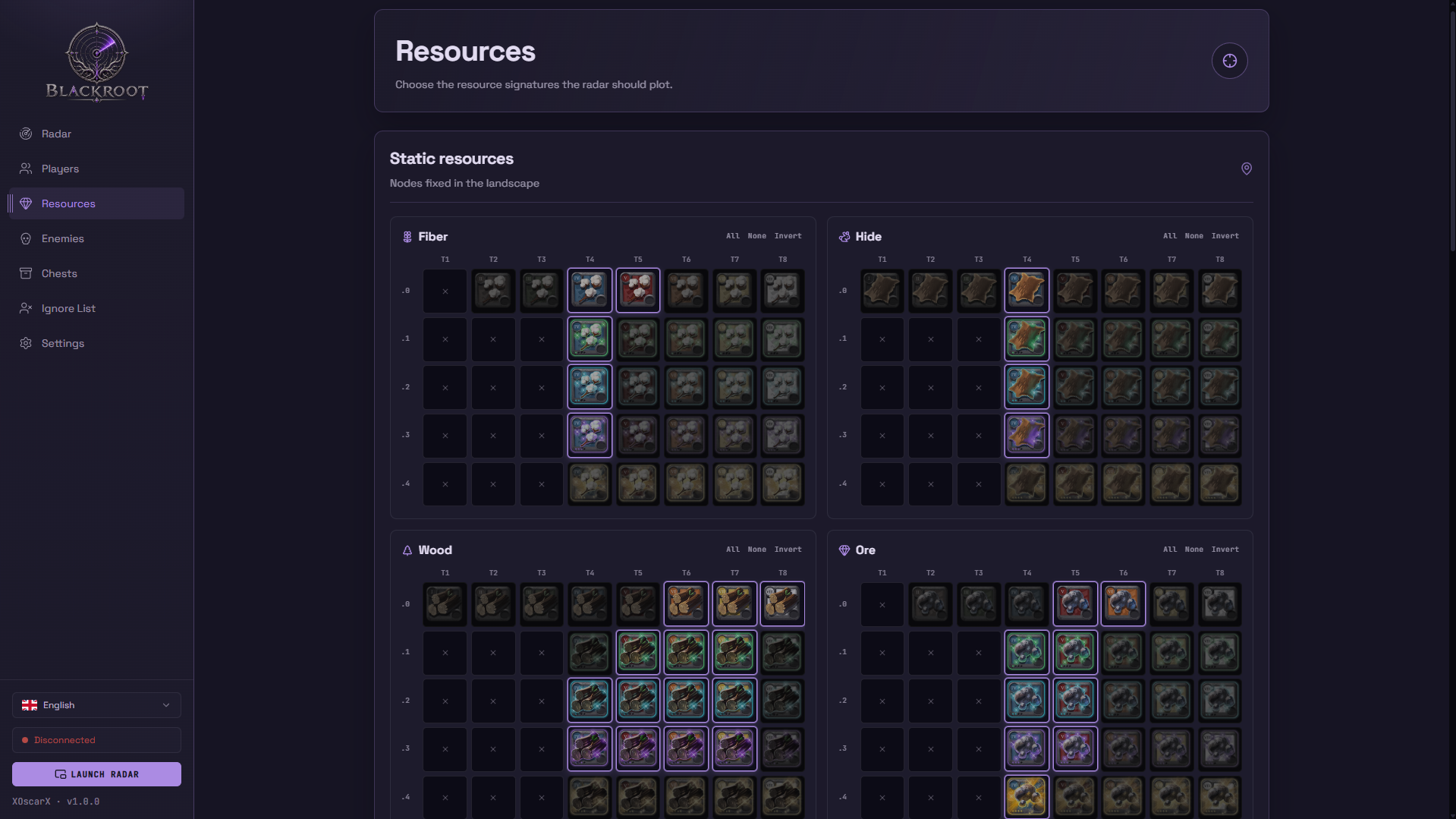
3,698 nodes validated: fiber, hide, wood, ore and rock, static and living, with all enchantments. Cluster grouping, counts and distance.
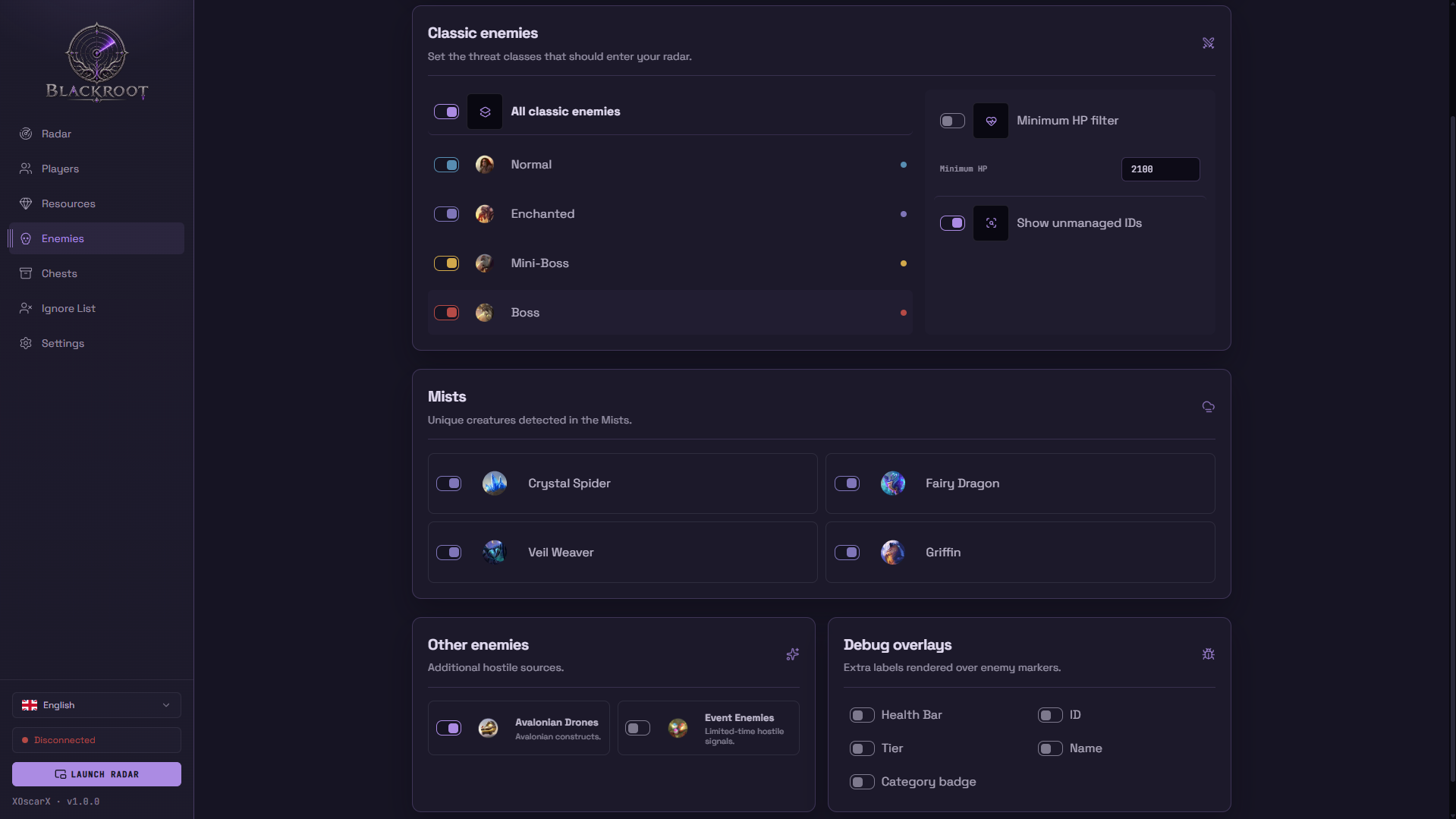
4,528 mobs catalogued: normal, enchanted, mini-boss and boss, color-coded, with minimum HP filter and debug overlays.
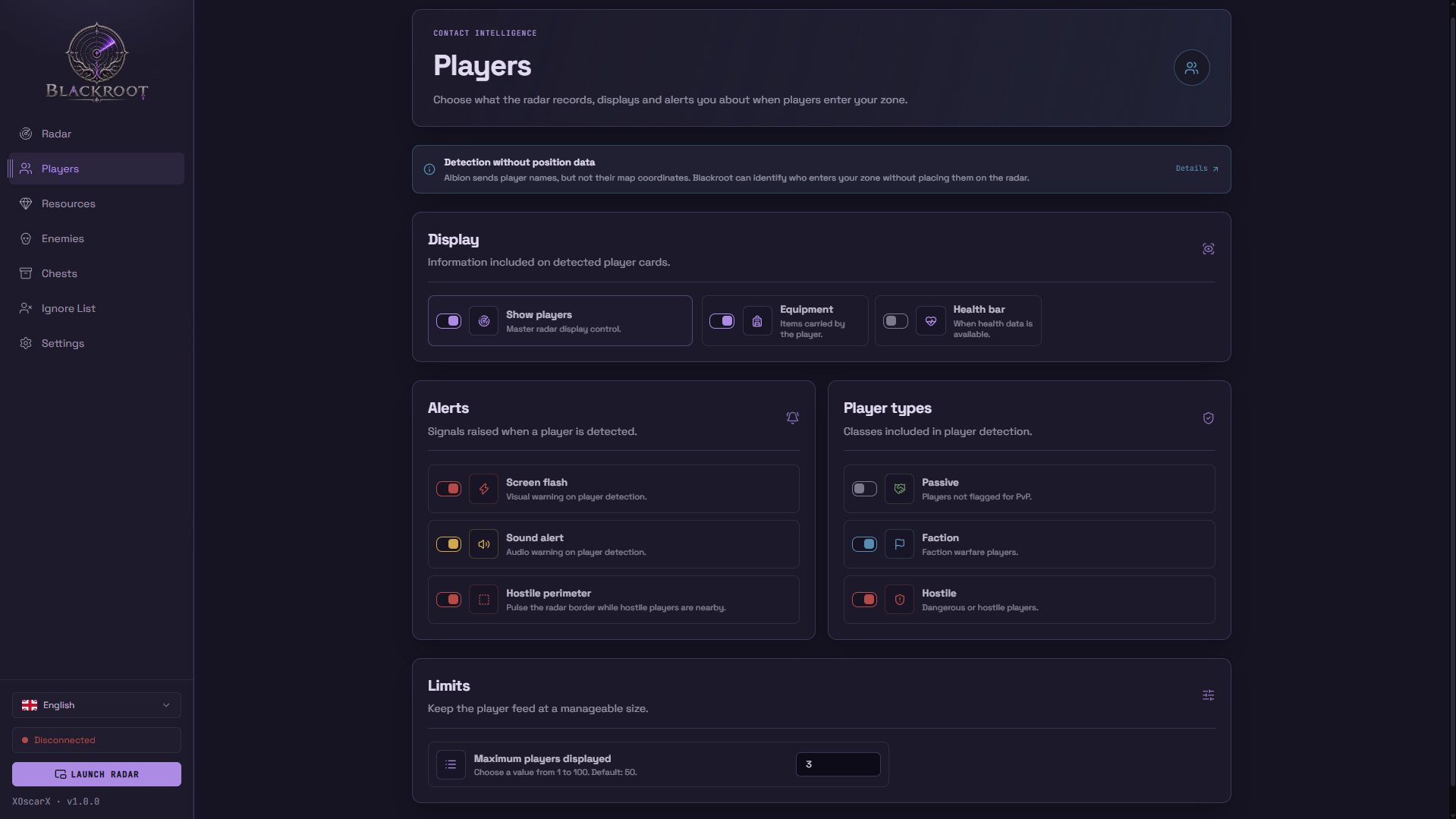
Detects players entering your zone with their equipment, average item power, guild, alliance, mount and health. Screen flash, sound and pulsing border on hostiles.
1,000+ zones mapped. Safe, yellow, red and black zone logic drives the threat system automatically.
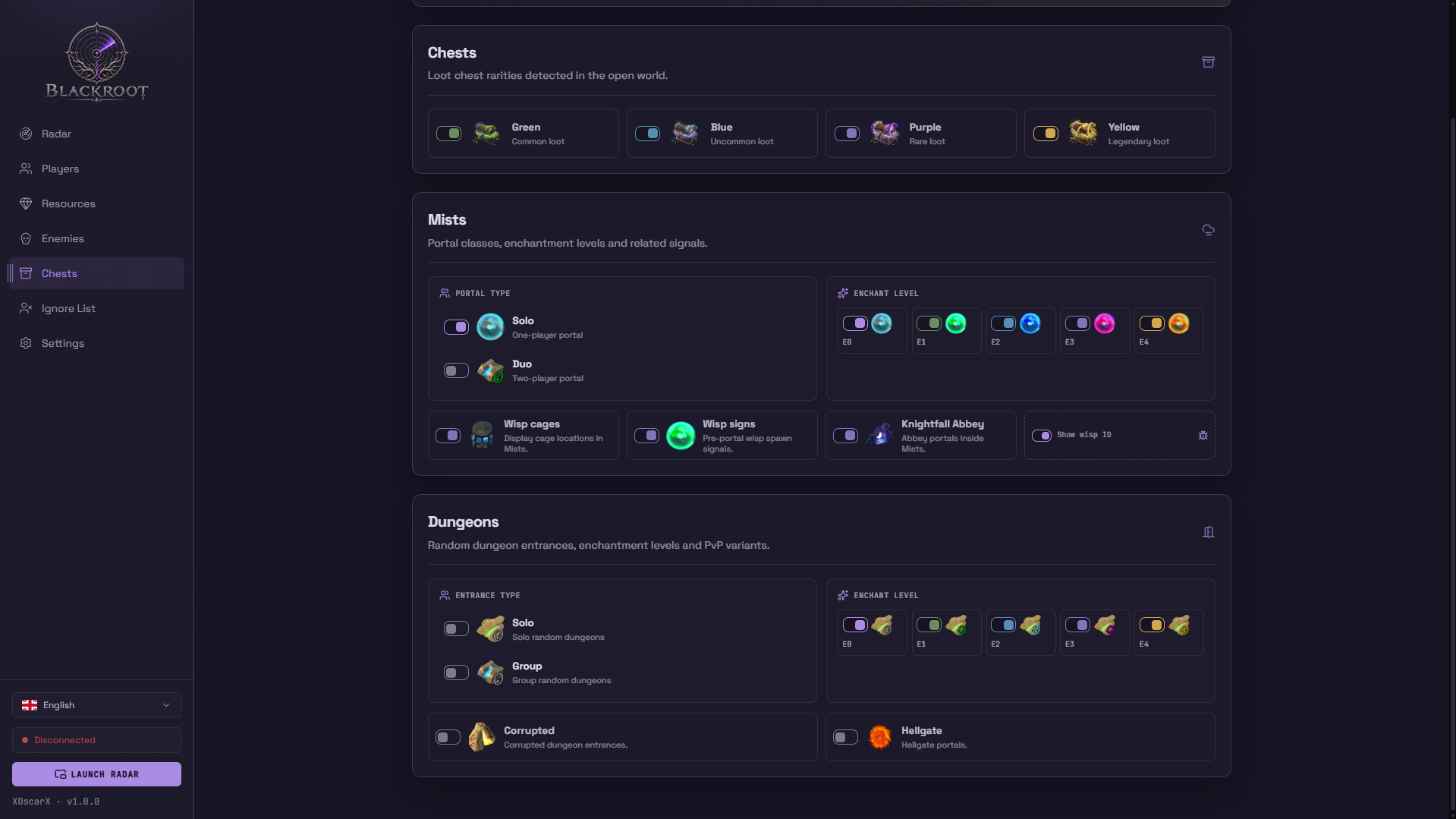
Solo and duo portals with rarity, feu follets before they open, wisp cages and the zone closure countdown.
Solo, group, corrupted and hellgate entrances with per-enchantment filters E0–E4 across every family.
Chest rarities (green, blue, purple, yellow) and fishing pools on the radar.
Fishing spots detected and rendered on the radar.
Know who is flagged for PvP before they reach you.
Green for passive, orange for faction warfare, red for hostiles. The radar shows who is flagged for PvP at a glance.
Hostile in your zone? Screen flash, sound alert and a pulsing radar border. Ignore list for players, guilds and alliances.
Silence players, guilds and alliances you do not care about.
Tune the radar to the way you play.
300–800px radar, 0.5–2.0x zoom, distance rings at 10m/20m and the current zone with its PvP type.
Launch a compact always-on-top radar window with its own equipment feed — the whole tactical picture without switching tabs.
Floating picture-in-picture window with pulsing border and screen flash mirrored on it.
Fonts, icons and game data bundled — the radar works without internet once Albion is connected.
Works with your setup, not against it.
WiFi and Ethernet at the same time — VPN toggles, ExitLag and interface handoffs never silence the radar.
Switch ExitLag to NDIS (legacy) redirection and capture normally on your adapter.
Open the radar from your phone or any device on the network with the LAN URL.
Every page works on a phone screen without horizontal scroll.
In-app packet recording and structured logs to debug any issue fast.
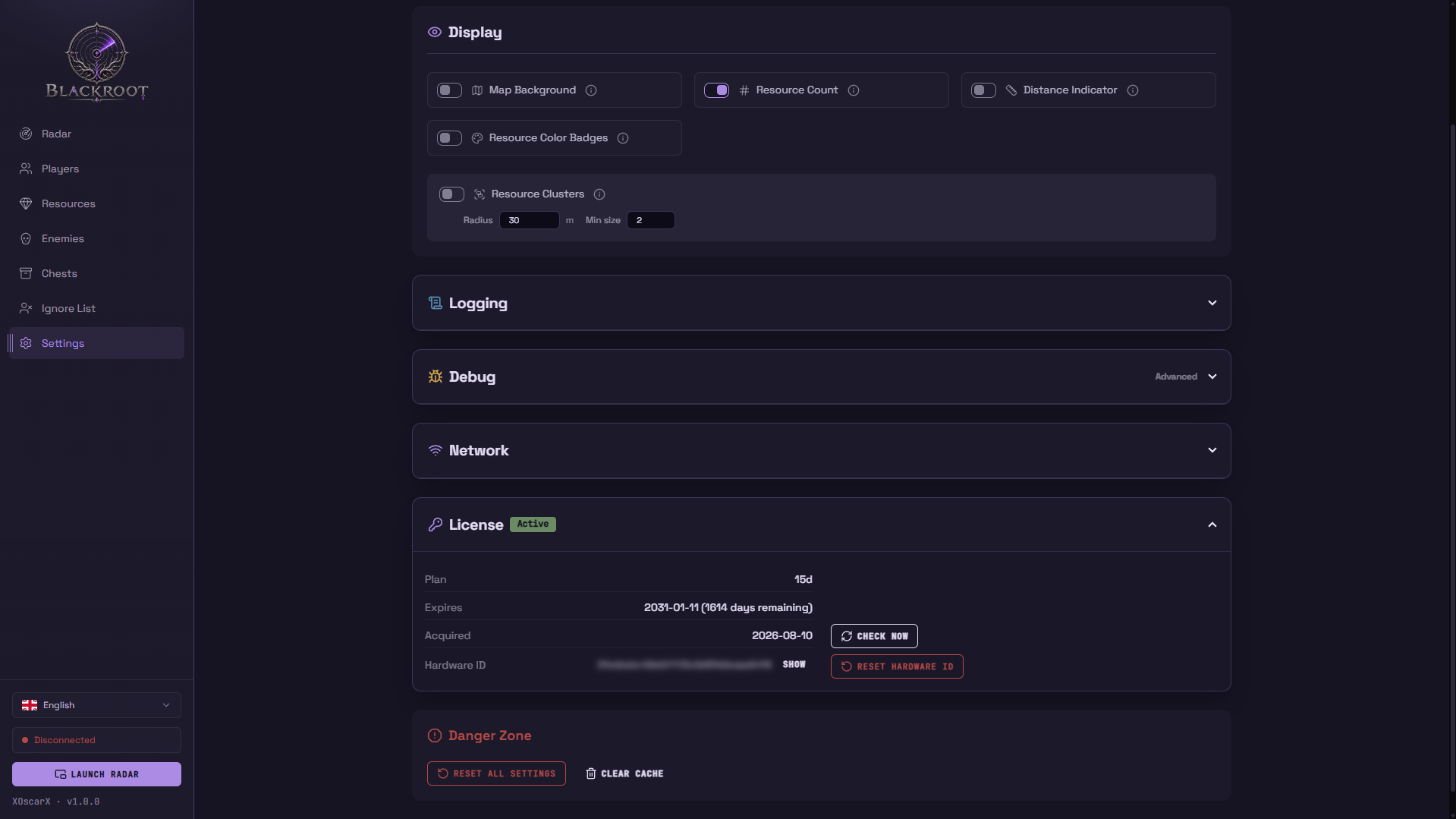
Hardware ID and IP addresses are masked by default in the console and settings; show them only when you want to.
See your plan, days left and activation date in Settings. Reset your hardware binding once a week from the panel.
Real captures from the radar.